
The operations platform for modern hotels
Reservations, payments, housekeeping, and guest experience in one place - and it keeps working at the front desk even when the internet doesn't.
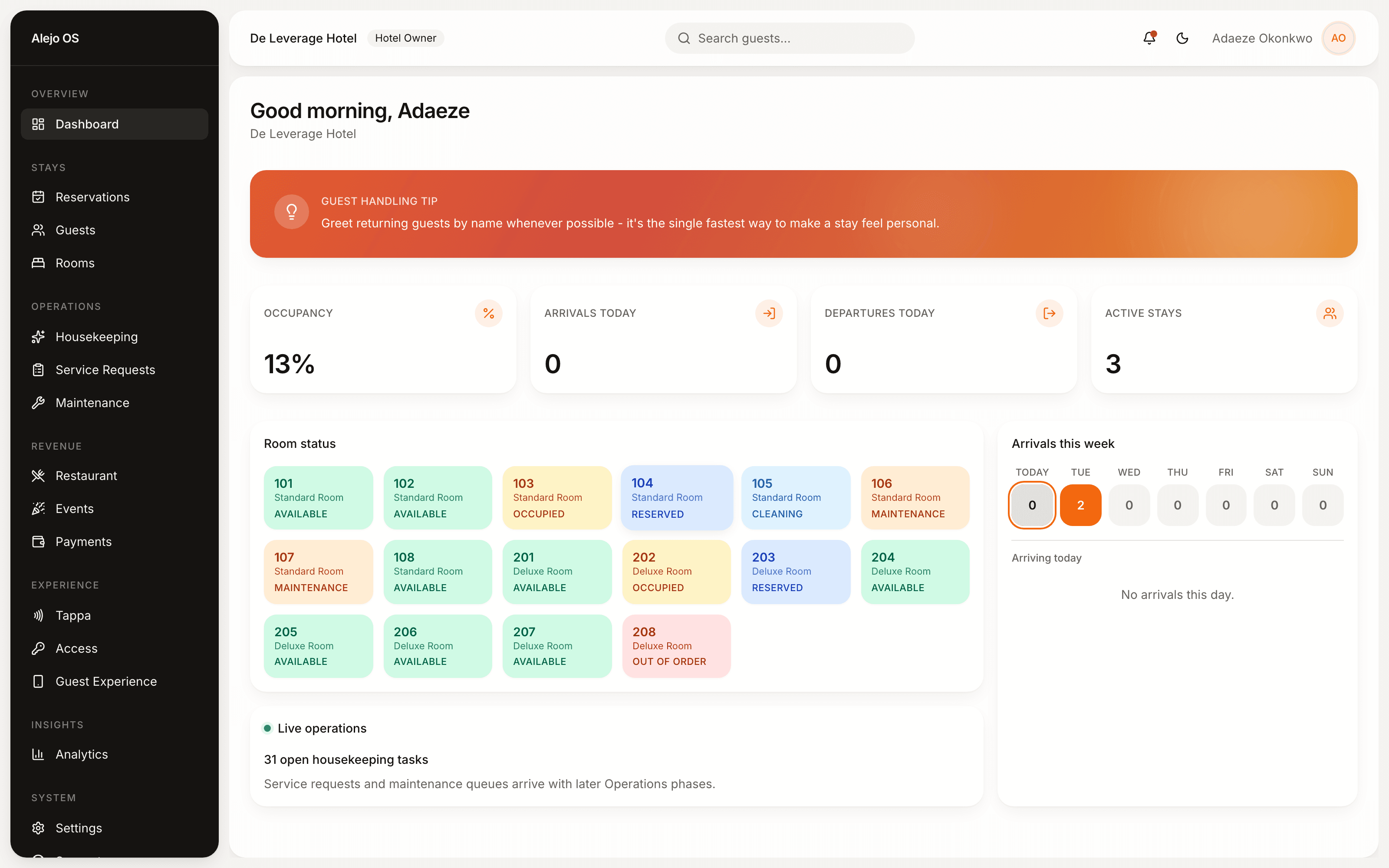
Everything the front desk needs
One platform for the operational work of running a hotel - not a bundle of disconnected tools.
Front desk & reservations
Check guests in and out, assign rooms, and track arrivals and departures in real time from one dashboard.
Payments, however guests pay
Take cash, Paystack, or Stripe payments with a full ledger and per-hotel payout routing built in.
A digital guest experience
Guests unlock their room and browse the restaurant, events, and services from their phone - no app to download.
Housekeeping & maintenance
Assign cleaning tasks, track room readiness, and log maintenance issues right from the floor.
Staff & permissions
Reception, housekeeping, restaurant, events - every role gets exactly the access it needs, nothing more.
Notifications & support
Your team is notified the moment something needs attention, and can reach the Alejo OS team directly when they need help.
The front desk doesn't stop when the internet does
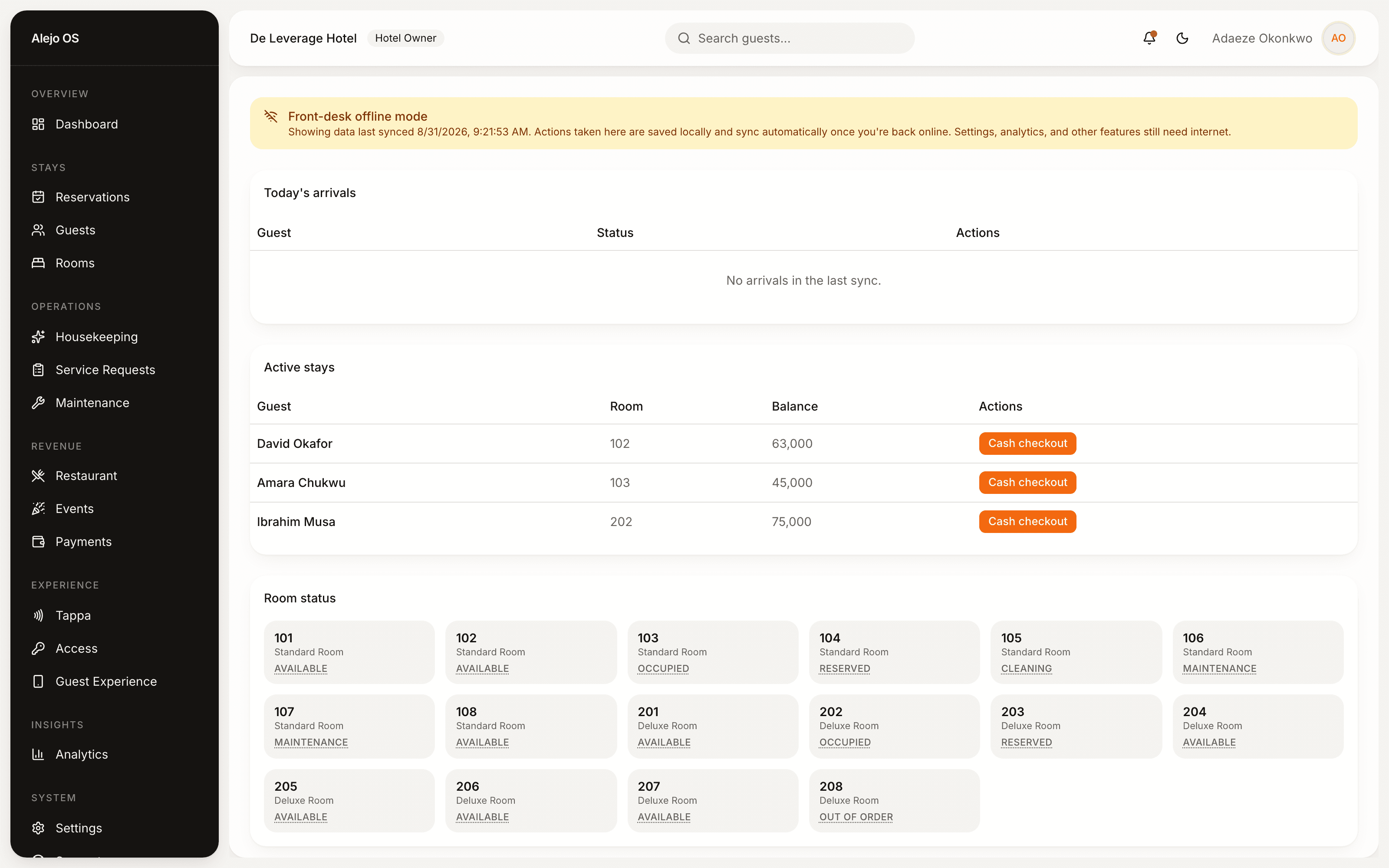
Alejo OS installs like an app and keeps the essentials running through an outage - everything saves locally and uploads automatically the moment you're back online.
- Check guests in and out
- Record a cash payment
- Update room status
- Log a maintenance issue
Get Alejo OS on your desktop
A native app for your front desk - its own icon, its own window, no browser tab to lose. Same platform, same account, just installed.
First launch: macOS shows a Gatekeeper prompt (right-click the app > Open) and Windows shows a SmartScreen prompt (More info > Run anyway) until these builds are code-signed. Prefer not to install anything? Launch Alejo OS in your browser and add it to your dock or taskbar from there instead.